
Capture it, then drag it anywhere
After an area capture, a quick card waits in the corner. Drag it straight into a chat, a doc or a design tool. No saving, no hunting for files.
412 × 248
+
Still juggling 3 tools for screenshots, GIFs, and recordings?Clipio does it all, with AI editing, auto-zoom, and one-click sharing.
The beta for Mac and Windows, every feature unlocked, free while it lasts.
Record anything you work in
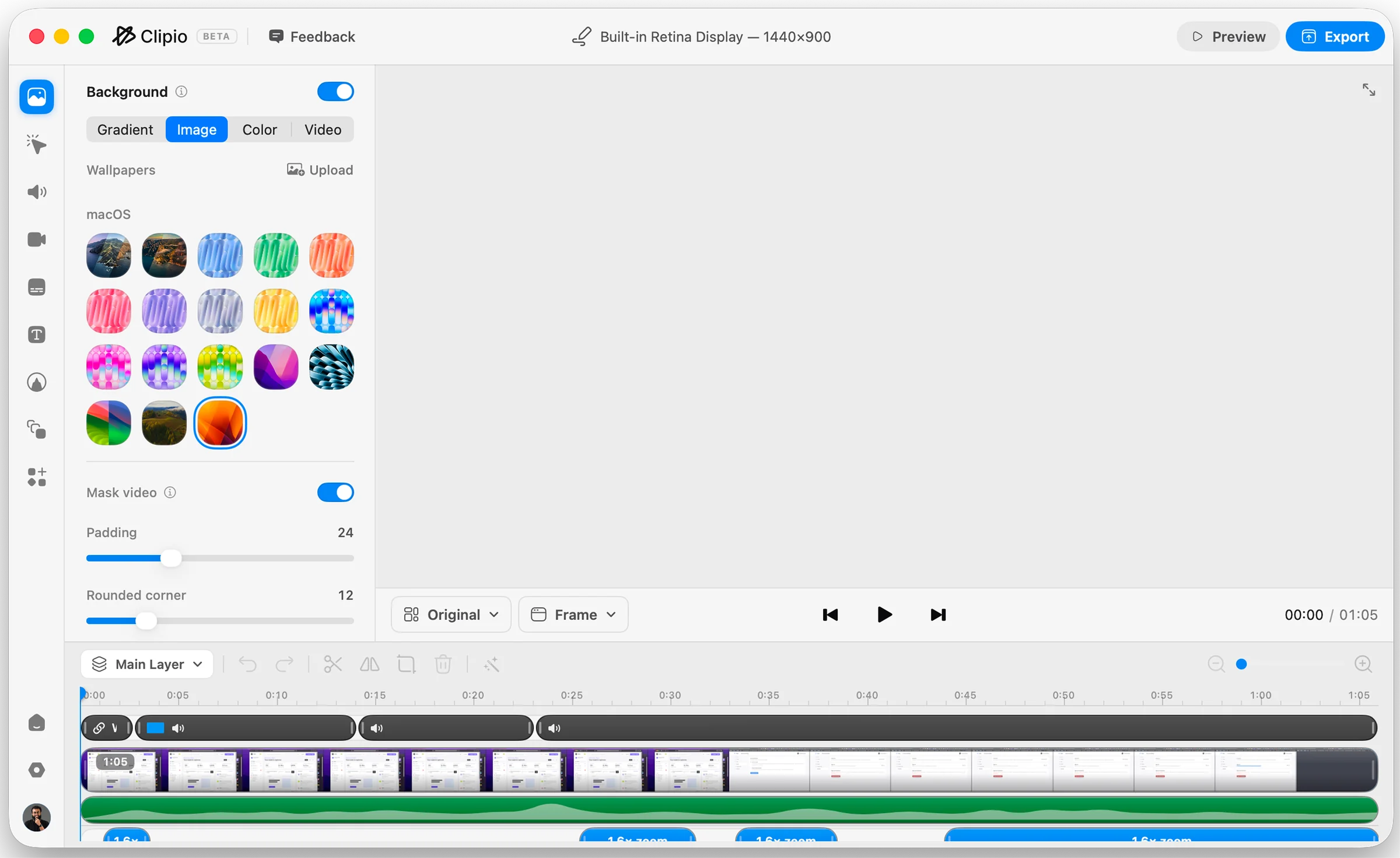
Every capture opens in an editor built for it.
Then annotate, blur and frame it in seconds.
Auto zoom and cursor tracking, applied as you record.
Trim, then export a small, clean GIF.
After an area capture, a quick card waits in the corner. Drag it straight into a chat, a doc or a design tool. No saving, no hunting for files.
Select an area and hit Auto Scroll. Clipio scrolls for you and stitches every frame into one tall image, with a live preview as it grows.
Select an area and Clipio reads the text in it, right on your device. Edit it, copy it, or keep it pinned while you work.
Ship the Windows beta by the end of
the month and collect feedback from
the first 500 users.
Focus areas
Quarterly planning
Ship the Windows beta by the end of
the month and collect feedback from
the first 500 users.
Backgrounds, arrows, text, blur and more, ready the moment you capture. No second app needed.
Background
Padding 48
Corners 12
New post
PublishDashboard
Settings
Overview
Invoice #1042
Issued Oct 1, 2026 · Due Oct 31, 2026
Design work$960.00
Revisions$320.00
Total due$1,280.00
Account
NameAlex Morgan
Emailalex.morgan@mail.com
API keysk_live_51Hx9QaZ
PlanPro
Create project
Project name
Website redesign
Visibility
Team
CreateAbout
Last synced 2 min ago · v2.4.1
synced 2 min ago · v2.4.1
Zoom follows your clicks, the cursor glides instead of jittering, and captions write themselves on your device. Trim the idle parts, set a background, then export MP4 or GIF.
Three things that make a Clipio recording look edited, not just captured.
Auto zoomScale 1.5×Spring easing
Webcam
Circle1:14:39:16
MirrorBackground blur
The same skins Clipio draws in your recordings. Choose one and your pointer on this page turns into it.
Cursor style
Size50
Course makers, support teams and developers use Clipio every day. Here’s what they tell us.
The zoom is the whole thing. My course videos used to need an hour in Premiere just to make the UI readable. Now they don’t need Premiere at all.
Drawing on the screen mid-recording sounds like a small thing until you’ve recorded 40 bug repros. It cut my re-takes to about zero.
The auto-blur caught an API key in a screenshot I was two seconds from posting. That alone paid for the switch.